
Follow this guide to create an Ethereum wallet address. Note, you could use this address only to accept ETH on your Tokpie exchange account. So, if you want to create your own wallet under your full control, then use this wallet provider.
1. Sign up
Enter your email address here and click the "Register" button.
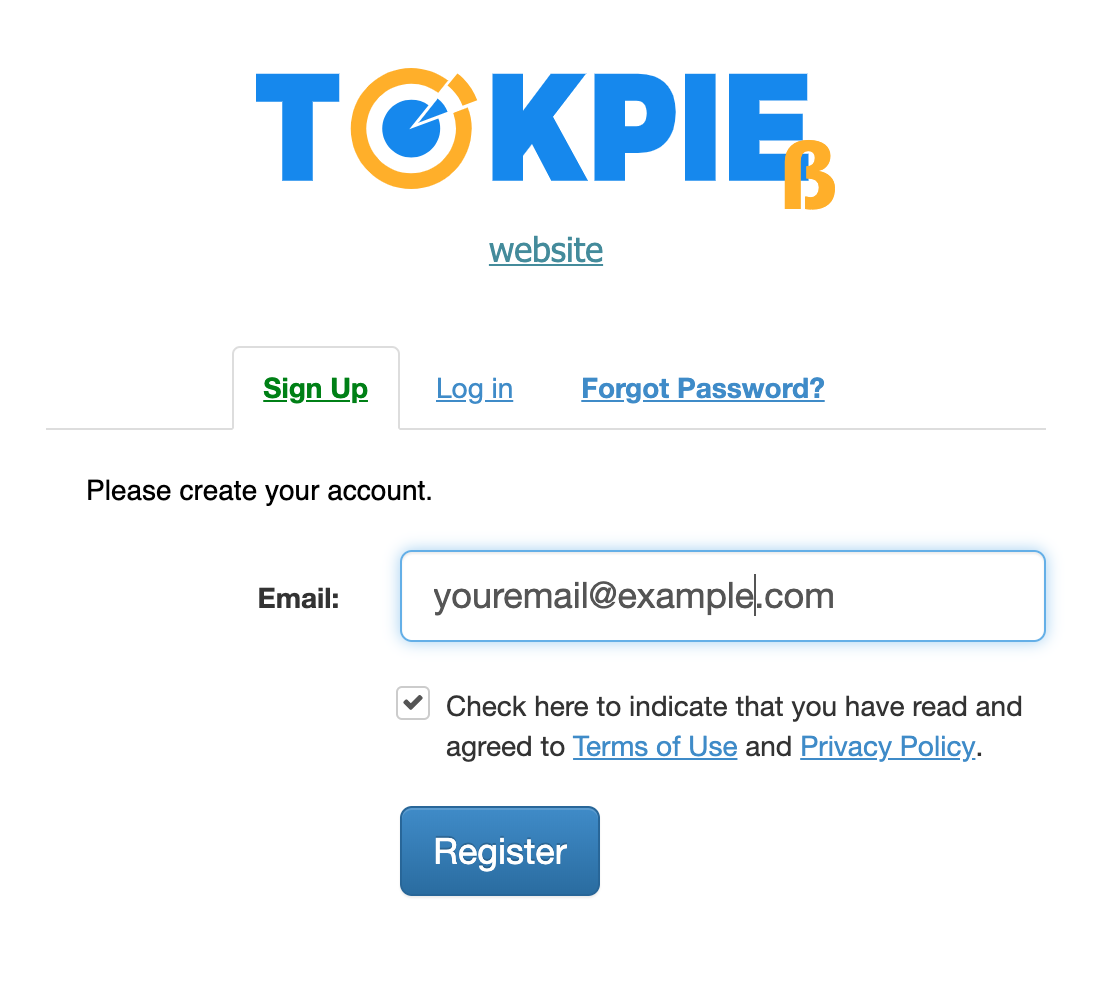
1.1 You will receive an activation email containing a confirmation link.
Confirm your registration by clicking the link in the email.
If you do not receive an activation (confirmation) email please check the spam folder of your email and if you have not received the email please contact support.
1.2 Then, you will receive an email containing Your login and automatically generated password.
Log in https://tokpie.com/ and fill the profile.
2. Generate ETH wallet address
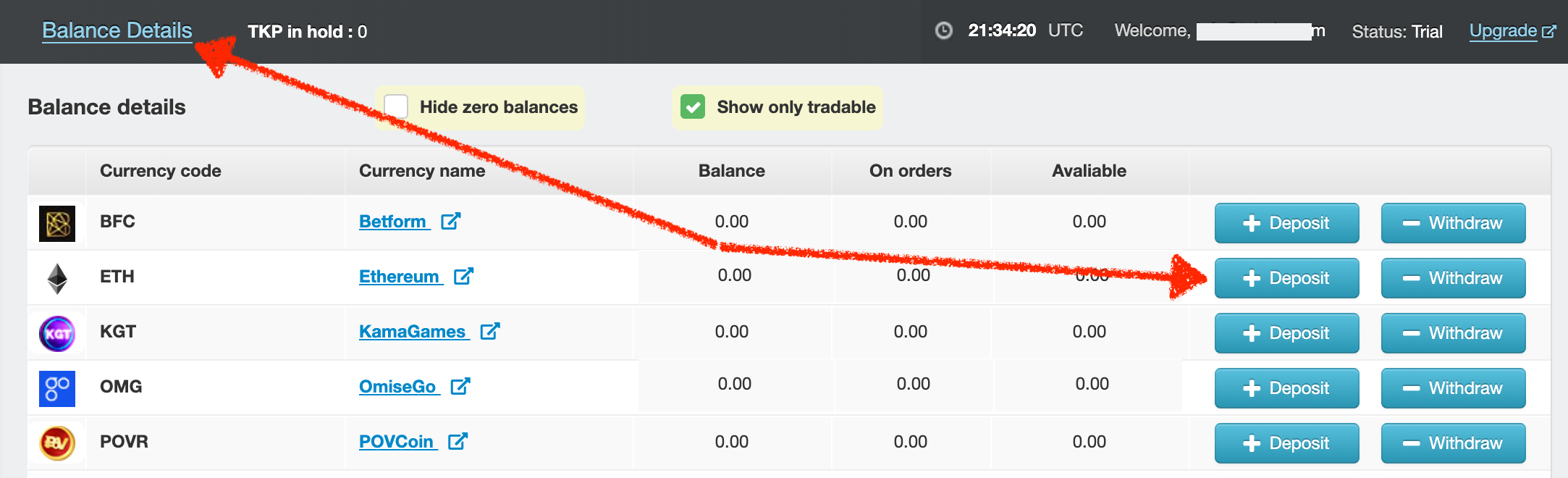
Select the Balance Details tab, then click on [+Deposit] button in the line with ETH icon. The page will look like this:
Also, you can watch an example video showing how to generate an address and deposit Ethereum.
Comments
0 comments
Please sign in to leave a comment.